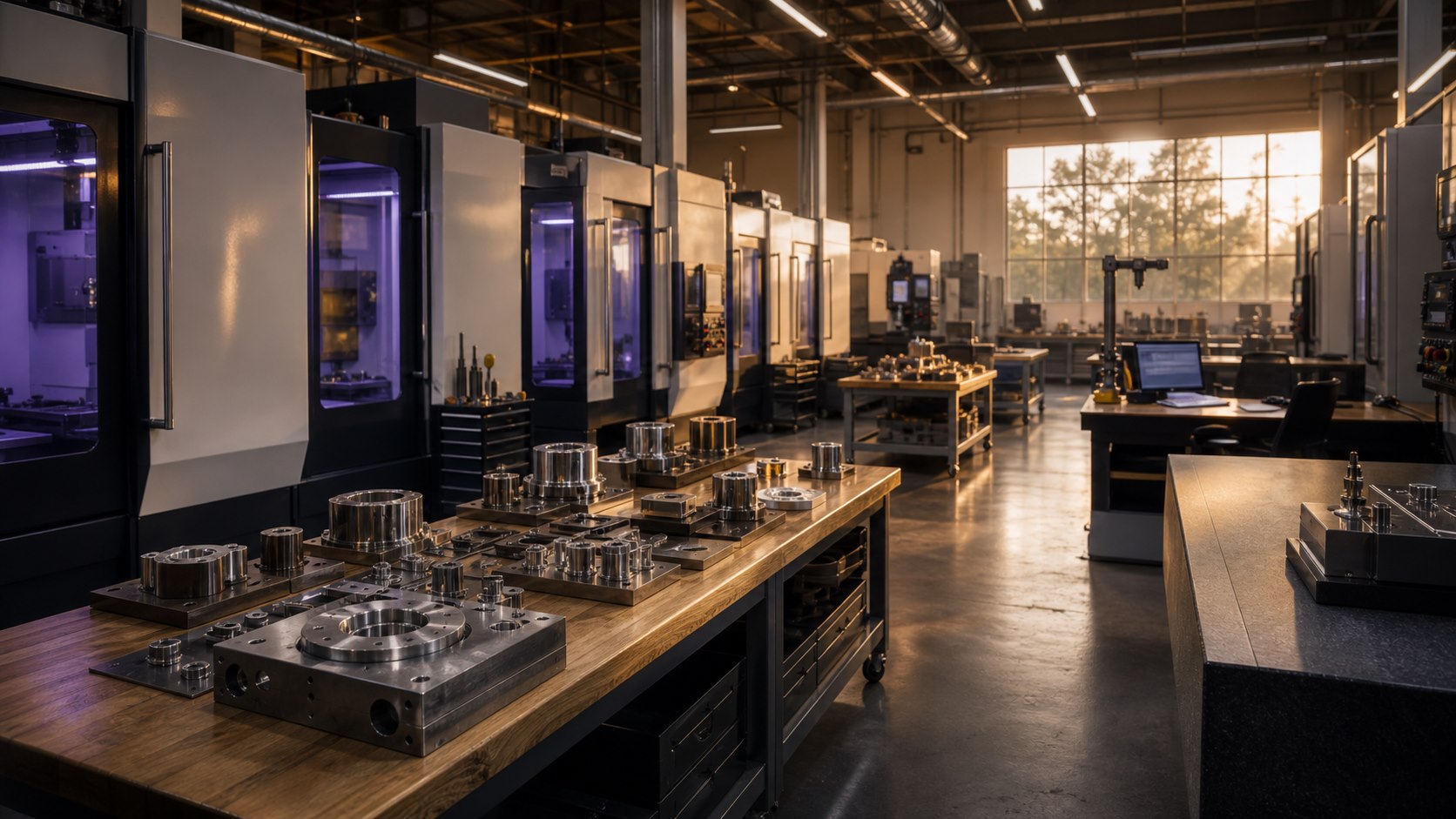
A Los Angeles machine shop can lose hours every week before a part ever reaches the floor. RFQs arrive with mixed file names, missing notes, old drawings, late customer replies, material questions, revision changes, and emails spread across more than one inbox. The owner or estimator holds the process together because they know where the real answers live.
That is exactly where AI workflow automation can help. The right setup does not replace the judgment of a machinist, estimator, or shop owner. It reduces the clerical drag around the work. It helps the team find the right document, summarize the customer request, draft a response, flag missing information, and keep follow-up from falling through the cracks.
For LA machine shops, the best AI projects start small and close to revenue. Start with the workflows that touch RFQs, quoting, customer communication, purchase orders, inspection notes, and repeat questions from buyers. Those are the places where cleaner operations can support both sales and production.
Map the repeat work before buying software
The first step is not picking a tool. The first step is writing down the repeat work that already happens every week. Who receives the RFQ? Where are drawings stored? Who checks whether the material is available? Who asks the customer for missing tolerances or quantities? Who updates the quote spreadsheet? Who follows up after three days?
This map usually exposes small problems that compound. A shop may have one naming convention for files in email, another in Dropbox, another in an ERP, and another in a folder on a local computer. AI cannot fix a messy process by itself. It can help once the process has clear inputs, owners, and review points.
B2B LA looks for workflows where the office repeats the same thinking but still needs human approval. RFQ triage, quote prep, customer follow-up, vendor research, material comparisons, and document search are good candidates because AI can draft and organize while the team keeps control. For the service path behind that first workflow choice, see AI consulting for manufacturing companies in Los Angeles.
Clean ERP exports and quote folders before AI acts
Current manufacturing AI coverage keeps pointing to the same constraint: AI is useful when the business can trust the records it reads. Manufacturing Dive's September 2026 reporting on AI and ERP systems tied useful automation to better data, modernized ERP weak spots, and clear business cases. NIST's 2026 smart manufacturing AI roadmap names data management, integration, reliability, and trustworthy operation as practical barriers for manufacturers.
For a machine shop, the cleanup work is concrete. Choose the RFQ inbox, quote spreadsheet or ERP export, drawing folder, customer folder, supplier packet, and approved capability language the workflow may use. Mark stale files. Name the owner who checks the result. AI can prepare a cleaner intake brief after the shop defines those rules.
That cleanup also protects customer trust. Customer drawings, pricing notes, inspection records, and supplier terms should not move into a public tool without a policy. Start with reviewed exports and redacted examples, then decide which system can handle live data.
Build an RFQ intake workflow
RFQ intake is a strong first target because it sits close to revenue. A practical workflow can collect the customer email, drawing names, part quantities, materials, due date, delivery location, and missing items. The AI system can summarize the request and produce a short checklist for the estimator.
For example, the workflow might create a note that says the customer sent two PDF drawings, one STEP file, a requested delivery window, and no clear finish requirement. The estimator still reviews the files, but they start with a cleaner brief. If information is missing, the system can draft a direct customer reply asking for the exact item needed.
This matters for shops in Vernon, Commerce, Burbank, the San Fernando Valley, South Bay, and greater Los Angeles because many customers are comparing shops on speed and responsiveness. A clean RFQ reply can make the shop feel more organized before the price is even discussed.
Use AI for quoting support, not final pricing
AI should not set final prices for machining work. Pricing depends on experience, tooling, machine availability, material conditions, risk, tolerances, setup time, inspection requirements, and current workload. A shop owner or estimator should own that decision.
AI can still help around the quote. It can summarize scope, draft the proposal language, pull standard terms, identify missing details, compare a new request to past job notes, and create a review checklist. It can also help turn rough estimator notes into a customer-facing email that sounds clear and professional.
The safest pattern is simple: AI prepares, people approve. The system can help the estimator move faster, but it should not hide uncertainty. If a drawing is unclear, a tolerance is missing, or a finish spec conflicts with the material, the workflow should call attention to that problem instead of guessing.
Turn shop knowledge into searchable answers
Many shops have valuable knowledge trapped in email threads, old job folders, notes, inspection files, vendor conversations, and the memory of one or two people. That creates risk when the shop gets busy or when a key person is out.
An internal AI document search system can help the office answer common questions. Where is the latest customer spec? Which vendor supplied this material last time? Did the customer approve a substitute finish on a past run? What inspection notes did the team record for the last version of this part?
Document search works best when it is built around permissions and review rules. Sensitive customer data should stay controlled. Employees should know which answers are reference material and which answers require a manager, estimator, or quality lead to review. That is part of the AI implementation and training work, not an afterthought.
Keep quality and customer updates organized
Good communication matters when a job changes. A late material delivery, unclear drawing revision, inspection question, or schedule change can create confusion if the update stays in one person's inbox. AI can help draft customer updates, summarize status, and turn internal notes into a clean record.
This does not mean every customer message should be automated. It means the team can start from a better draft. The person responsible for the account can review tone, confirm facts, and send a message that is accurate. Customers feel the shop is organized, and the office avoids rewriting the same updates from scratch.
Quality workflows can also benefit from structured notes. If the team records inspection requirements, revision history, nonconformance notes, or customer approvals in a consistent format, future work becomes easier to review. AI can help format those notes and retrieve them later.
Train the team around real shop work
AI training for manufacturers in Los Angeles fails when it stays generic. A machine shop team does not need a lecture about AI trends. They need to practice with their own documents, RFQs, quote language, customer questions, and internal process rules.
The training should include office staff, estimators, owners, and anyone who touches customer communication. Everyone should know what AI can draft, what it cannot decide, where files should live, how to check an answer, and when to escalate. A simple set of rules creates confidence. It also prevents the common problem where one person experiments with AI while the rest of the company keeps using the old process.
B2B LA helps teams build this in a practical way: map the workflow, create the first templates, test them against real work, train the team, and improve the process after the first few weeks. When the shop also needs cleaner intake, follow-up, or admin routines around the same work, the related business process automation service for Los Angeles manufacturers helps define what should be automated, delegated, or kept under owner review. The goal is to make AI usable inside the shop, not to add another disconnected app.
Use the content for search visibility too
The same questions that slow down the office can also guide SEO. If buyers ask about tolerances, prototype runs, production capacity, material options, finishing, lead times, quality documentation, or local delivery, those questions can become useful website content.
A machine shop that builds better internal processes can turn approved, public-facing knowledge into stronger pages. That supports AI SEO because search engines and AI answer systems need clear, specific language about what the company does. It also supports B2B outreach for LA machine shops and manufacturers because sales conversations can point prospects to useful explanations instead of a thin capabilities page.
The best content does not expose private customer details. It explains the shop's process, the type of work it handles, the questions buyers should ask, and the Los Angeles markets it serves.
Machine shop AI workflow checklist
- Start with RFQ intake, quote prep, document search, or customer follow-up.
- Choose the ERP export, quote folder, and approved capability language the AI workflow may use.
- Restrict customer drawings, pricing notes, supplier terms, and inspection files before tool testing.
- Define who reviews every AI-assisted output before it leaves the company.
- Keep pricing, tolerances, quality decisions, and customer commitments under human control.
- Create naming rules for drawings, revisions, customer folders, and quote records.
- Train the team on real shop documents instead of generic examples.
- Use public, approved process knowledge to support local SEO and buyer education.
AI workflow automation works best when it respects the shop's real constraints. The machine still cuts the part. The people still make the call. The system makes the office work around that job easier to manage.
Machine shop AI workflow FAQ
What should a machine shop automate first with AI?
Start with RFQ intake, quote-prep notes, customer follow-up, and document search. These tasks repeat often, sit close to revenue, and still leave pricing, tolerances, quality decisions, and customer commitments under human review.
Can AI set prices for machining work?
No. AI should support quote preparation by summarizing scope, flagging missing information, comparing past notes, and drafting customer language. A shop owner, estimator, or qualified reviewer should still approve final pricing and scope.
Should a machine shop connect AI to ERP or quote data?
Only after the team defines allowed exports, current fields, owner, and review rule. AI can summarize ERP or quote data for intake and follow-up, but a person should approve actions and customer commitments.
What data should a machine shop clean before AI workflow automation?
Clean RFQ fields, drawing names, revision folders, quote records, approved capability language, supplier packet files, and follow-up owners before connecting AI to repeated shop-office work.
How does AI training help a Los Angeles machine shop?
Training gives the office shared review rules, file inputs, prompts, and escalation steps for RFQs, quote support, document search, customer communication, and follow-up instead of letting each person experiment alone.
How does workflow automation support machine-shop SEO?
The same approved process knowledge used inside the shop can become clearer website content about capabilities, lead times, quoting requirements, documentation, and service areas. That helps buyers and search engines understand what the shop does without exposing private customer work.
Want help building this inside your shop?
If you run a Los Angeles machine shop or precision manufacturing company, reach out to B2B LA. We can map the workflows, build the first AI templates, train the team, and connect the work to search visibility.
Reach out to B2B LA